

Create your first event
Creating an event takes four steps. A green tick marks each finished step, and Save & exit keeps your draft so you can come back later.
Where to find it: Left menu → + Create Event
How to do it
- In the left menu, click + Create Event. You start on Type & schedule.
- Type & schedule: choose your event type and dates. See Single, repeating or agenda: which event type?.
- Event page: add what guests see before they buy. See Edit your event page and preview it.
- Tickets: add what people can buy. See Create paid or free ticket types.
- Payments & go live: connect Stripe, choose who pays the fees, then publish. See Publish and share your event.
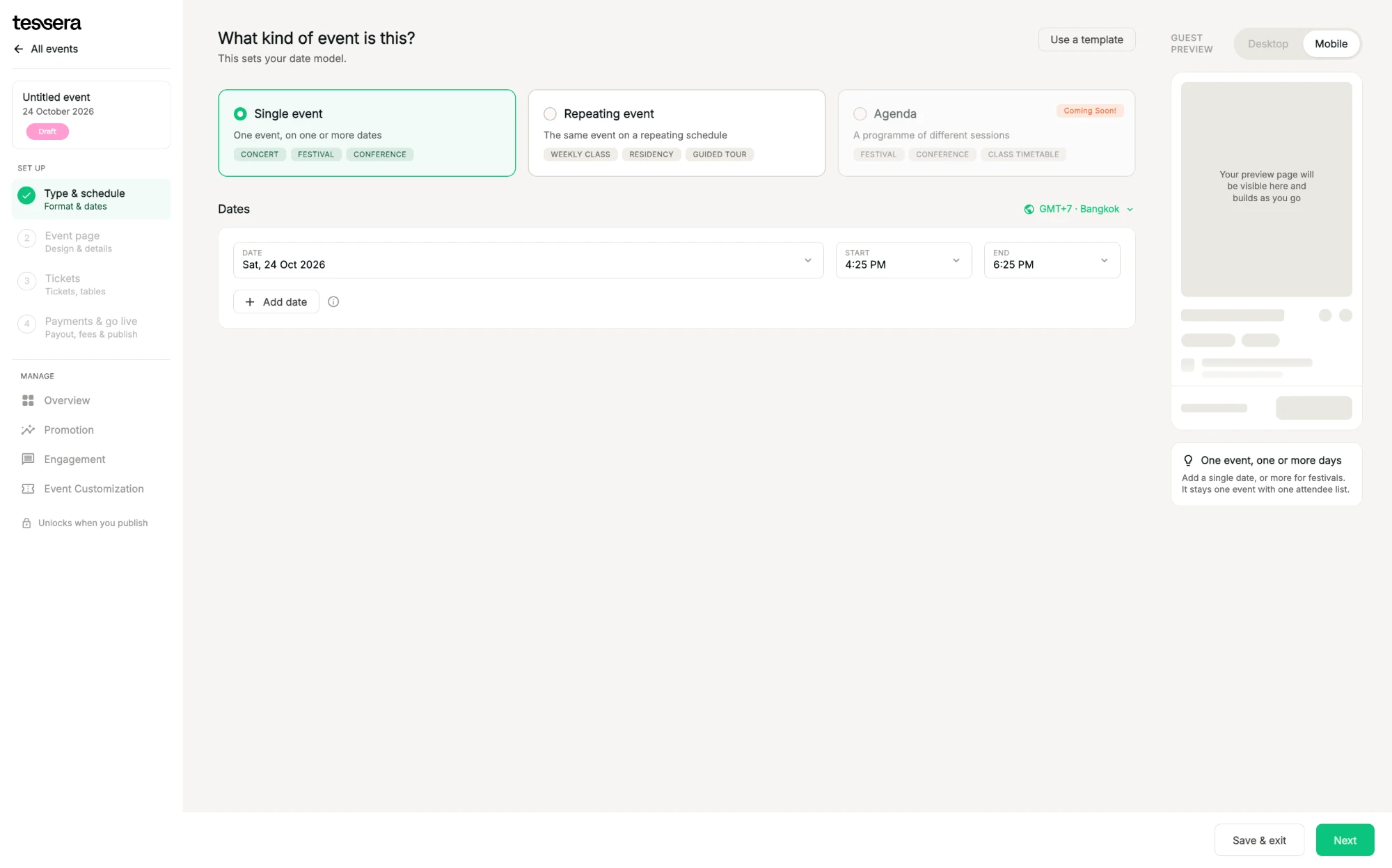
Your manage tools, such as promo codes, tracking links and pixels, unlock once the event is published.
Tip: selling paid tickets? Connect Stripe early, so it's ready when you reach the last step.
Related
Why Tessera?A fast checkout, money before your event, every market and all your tools in one place.Single, repeating or agenda: which event type?Pick the format that fits: one event, a repeating schedule, or a programme of sessions.Connect Stripe to publishLink a Stripe account so you can sell paid tickets and get paid.Publish and share your eventGo live in one click, then copy your link and start selling.