

Customise your event URL
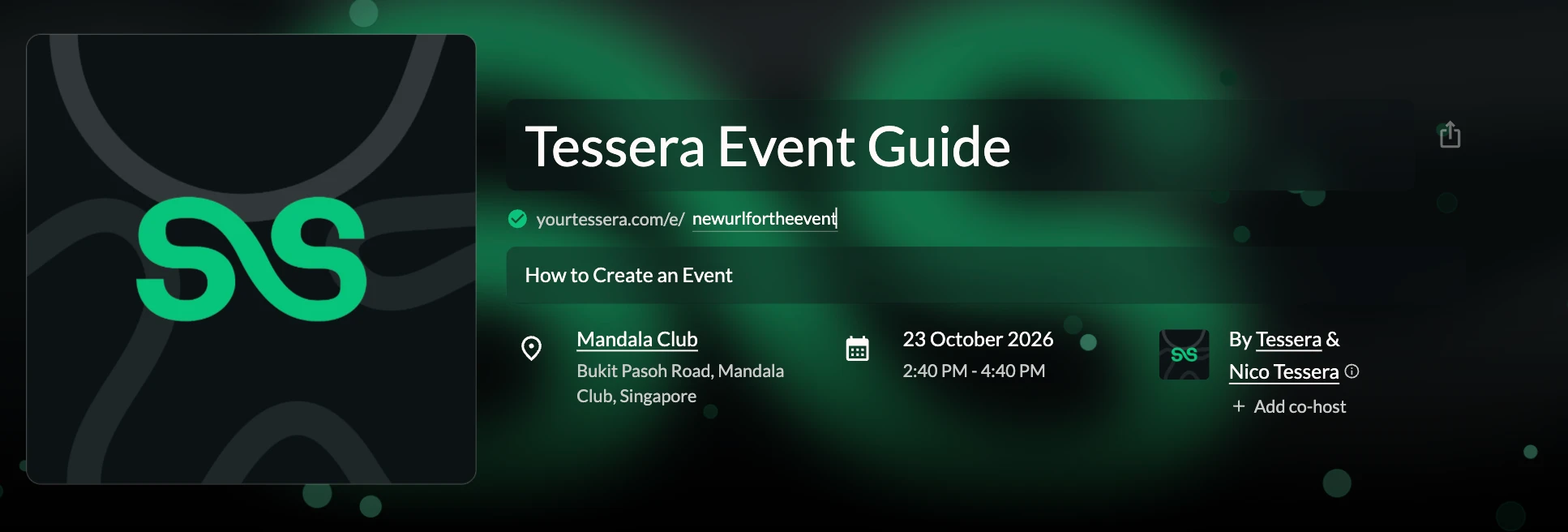
We create your event link automatically: yourtessera.com/e/ followed by a short code. Change the end to something short and readable so it's easy to share.
Where to find it: Step 2 → link under the event name
How to do it
- In the Event page step, find the link under the event name.
- Click the part after
yourtessera.com/e/and type your own. Use lowercase letters and numbers only: no spaces, dashes, slashes or other symbols. - A green tick means the link is free. If another event already uses it, we tell you, so pick another.
If you change the link after publishing, the old link stops working. Update it wherever you've already shared it.
Tip: once you publish, copy the link from the confirmation window: see Publish and share your event.